Back in the original days of DOS, games ran on specific resolutions on CRT monitors (and occasionally televisions). Limited hardware required these games to run on what is today considered extremely low resolutions. A Scaler is like a filter, that reprocesses the emulated screen before it is drawn on the physical monitor, and enables old games to take on a slightly updated look (or stylized look).
The scaler used can be changed in the dosbox.conf file; it can also be changed in DosBox session by using the scaler [name] command. The scaler command by itself will display the name of the active scaler.
Examples
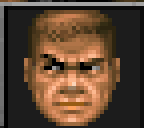
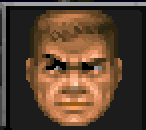
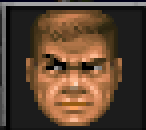
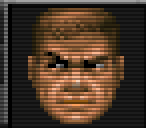
These screen shots (of Doom) represent a small section of the full game screen, and have been blown up 200% to better show how the image is being altered. Some effects are more subtle or visible depending on the range of colors displayed on the screen at individual moments.
| Scaler
|
Example
|
| normal2x
normal3x
|
|
| advmame2x
advmame3x
|
|
| hq2x
hq3x
|
|
|
|
| Scaler
|
Example
|
| tv2x
tv3x
|
|
| rgb2x
rgb3x
|
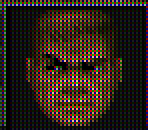
|
| scan2x
scan3x
|
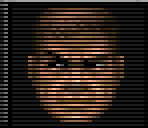
|
|


